The 8 Best Study Planner Apps for Students, Honestly Compared
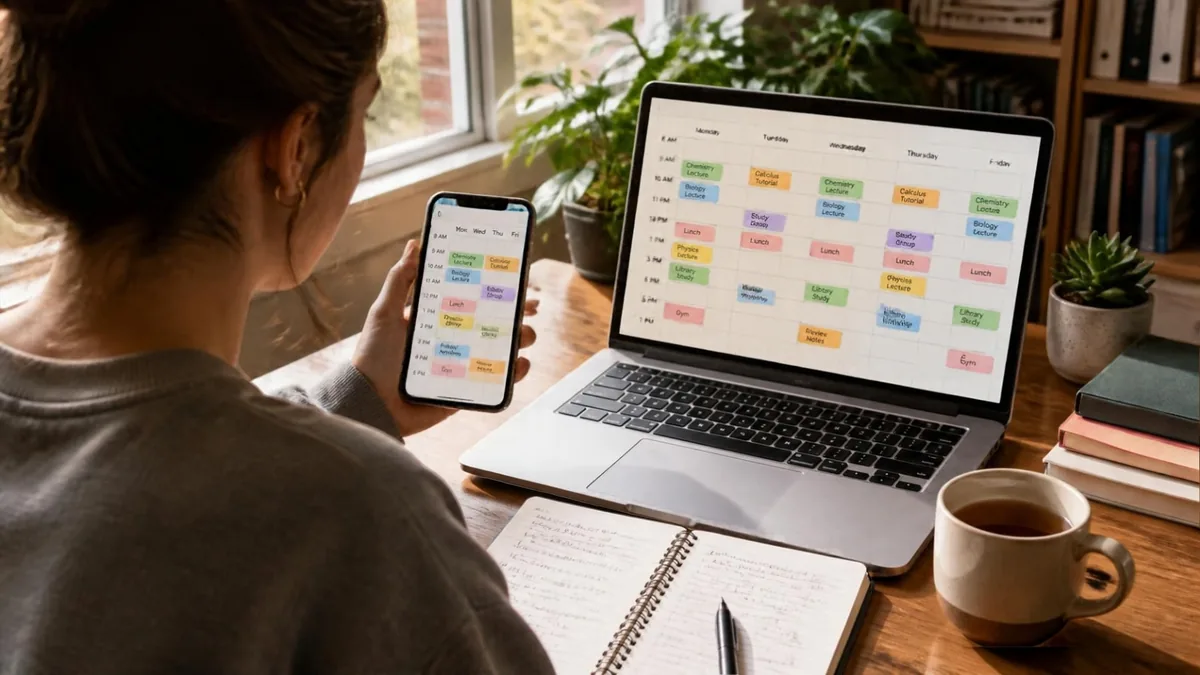
The short answer: if you want an app that decides when you study, around your class timetable and exam dates, look at Focusity or, for one big exam, Todait. If you want a tidy semester and grade tracking, MyStudyLife and Power Planner are excellent. If your studies are one part of a busy work calendar, Motion and Reclaim schedule everything. And if you like building your own system, Notion and Google Calendar are free.
Disclosure: we make Focusity, one of the apps on this list. That's why every other app here gets a line on what it does better than us, and Focusity gets a line on where it falls short. Prices and features were checked on official sites and app store listings on October 2, 2026.
The 8 apps at a glance
| App | Schedules study time for you | Class timetable with A/B weeks | Platforms | Cost |
|---|---|---|---|---|
| Focusity | Yes, into free hours | Yes | iPhone, Android, web | Free; optional Semester Pass |
| Todait | Yes, as a daily amount | No timetable | iPhone, Mac | Free for 2 plans; $39.99/yr |
| Motion | Yes, in your calendar | Only as plain events | All | From $19/mo, no free plan |
| Reclaim.ai | Yes, in your calendar | Only as plain events | Web | Free for 1 week ahead |
| MyStudyLife | Only when you ask its AI | Yes | iPhone, Android, web | Free up to 5 tasks; $39.99/yr |
| Power Planner | No | Yes | All | Free; $4.99 one-time |
| Notion | No | Build it yourself | All | Free; Plus free for students |
| Google Calendar | No | Repeat every 2 weeks | iPhone, Android, web | Free |
US prices as listed on official sites and app stores on October 2, 2026. They change, and some differ by country.
What a study planner app actually has to do
"Study planner" is one name for three different jobs, and most apps are good at one or two of them:
- Knowing what: your timetable, assignments and exam dates in one place.
- Knowing when: deciding which free hour goes to which exam, and fixing the plan when a day falls apart.
- Keeping score: grades, your average and what's left in the semester.
Most students don't get stuck on the first job. They get stuck on the second: a neat list of assignments and no answer to when, exactly, they get done between classes, work and everything else. So the list below is grouped by the job each app does best.
Apps that build the study plan for you
1. Focusity: a study plan built from your timetable
Best for: students who want the plan built for them
Import your timetable (from Excel, PDF or a photo), your exam schedule and your Moodle assignments, and Focusity places study sessions into the free hours you have left, by due date, difficulty and the time of day you focus best. Skip a session and it re-plans the rest of the week.
- Exam prep counted back from each exam date, day by day
- A/B-week and "Day 1 to 10" rotating timetables
- Focus timer, grades and weighted average, reminders and Google Calendar sync
- Full English and Hebrew interface
Where it falls short: it's a young app, and it has no notes or flashcards. The permanent Moodle connection doesn't work at every institution yet, though importing Moodle's calendar file works everywhere. The AI assistant and photo scanning are part of the Semester Pass, with a free taste.
Cost: free, including all study planning; optional one-time Semester Pass for four months, priced in your app store's currencyPlatforms: iPhone, Android, web
focusity.co.il →2. Todait: spreads the material over the days you have left
Best for: one big exam with a known amount of material
Enter how much there is to cover (pages, chapters, problem sets) and by when, and Todait splits it into a daily amount and rebalances when you miss a day. It sets amounts, not clock times, and it has no class timetable.
What it does better than Focusity: splitting by quantity is more precise when the exam is "400 pages by the 20th."
Cost: free for up to 2 plans; Pro $4.99/mo or $39.99/yrPlatforms: iPhone and Mac only
todait.com →3. Motion: an automatic schedule for your whole life
Best for: working students who want one calendar that organizes itself
Motion takes tasks with deadlines and priorities, books them into your calendar and reshuffles everything when something changes. It's the strongest automatic scheduler on this list, but it was built for work: it has no courses, exams or grades.
What it does better than Focusity: it schedules your job, meetings and life too, not only your studies.
Cost: no free plan, trial only; from $19/moPlatforms: web, Mac, Windows, iPhone, Android
usemotion.com →4. Reclaim.ai: study blocks inside the calendar you already use
Best for: students who already live in Google Calendar
Reclaim sits on top of Google Calendar or Outlook, protects time for tasks and habits, and moves them as your calendar fills up. There's no phone app, only the website, and the free plan schedules one week ahead, which is too short for exam season.
What it does better than Focusity: it works inside your existing calendar, with no new app to switch to.
Cost: free for 1 week ahead; paid plans from about $10/mo, with an official 50% student discountPlatforms: web only
reclaim.ai →
Want to see your own week with study sessions in it? Import your timetable and exams and the plan is ready in a few minutes. Free, no credit card.
Build my plan — freeApps for organizing the semester: timetable, assignments and grades
5. MyStudyLife: the long-standing student planner
Best for: a well-organized semester in one place
A timetable (including A/B weeks), assignments, exams with countdowns and grades, in an app that's been around for years. It can scan a timetable from a photo, and its AI assistant, Scout, builds a revision plan when you ask. It doesn't schedule study sessions on its own.
What it does better than Focusity: it's mature and polished, with a large community and broad timetable support.
Worth knowing: the free version holds only 5 tasks at a time, which is tight for a full semester.
Cost: free with limits; MSL+ $6.99/mo or $39.99/yrPlatforms: iPhone, Android, web
mystudylife.com →6. Power Planner: the best for grades and GPA
Best for: knowing your average at any moment
Assignments, exams and an A/B-week timetable, plus unusually detailed grade tracking: weighted averages, grades per component and a "what if" mode that shows what a given score would do to your GPA. It doesn't plan study time.
What it does better than Focusity: the most detailed grade tracking on this list, and the cheapest, with a one-time payment instead of a subscription.
Cost: free and nearly complete; Premium $4.99 one-timePlatforms: Windows, Mac, iPhone, Android, web
powerplanner.net →General tools students adapt for themselves
7. Notion: the most flexible, if you're willing to build
Best for: keeping notes and planning in one place
Notion has no built-in timetable, exams or grades. You build them yourself or start from someone's template. In return you get one place for notes, assignments and your plan, laid out exactly the way you want.
What it does better than Focusity: notes, files and planning together, with no limit on what you can build.
Worth knowing: what you don't build doesn't exist. There are no reminders or study logic unless you set them up.
Cost: free for personal use; the Plus plan is free for students with a university emailPlatforms: web, Mac, Windows, iPhone, Android
notion.com →8. Google Calendar: already on your phone
Best for: simply seeing your week
Classes as repeating events (an A/B week is an event that repeats every two weeks), exams as events, and study time you block by hand. It has no idea what a course, exam or grade is, and nothing moves your study time when a day goes wrong.
What it does better than Focusity: it's completely free, everyone already uses it, and it syncs everywhere.
Cost: freePlatforms: web, iPhone, Android
calendar.google.com →How to choose, in three questions
- Do you know when to study, or is that exactly what's missing? If it's missing, pick from the first group: Focusity if the plan has to fit around a class timetable, Todait for one exam with a known amount of material, Motion or Reclaim if studying is one part of a packed calendar.
- Is it time or grades that stress you out? For grades, Power Planner. For overall semester order, MyStudyLife.
- Do you want notes in the same place? Then Notion, on its own or next to a planner.
You don't have to pick only one. A common setup that works: one app that decides when you study, and Notion or Goodnotes for the notes themselves.
Frequently asked questions
What is the best study planner app for students?
It depends on what's missing. If you need an answer to when to study, Focusity schedules study sessions into your free hours around your class timetable and exam dates, and Todait splits one exam's material across the days left. If you mainly want an organized semester and grade tracking, MyStudyLife and Power Planner are excellent. If you like building your own system, Notion and Google Calendar are free.
Which app automatically schedules study time?
Focusity schedules study sessions into the free hours around your class timetable. Motion and Reclaim schedule tasks into your calendar, but they were built for work and have no courses or exams. Todait splits material into daily amounts rather than clock times. MyStudyLife, Power Planner, Notion and Google Calendar don't schedule study time on their own.
Is there a good free study planner app?
Yes. In Focusity all of the study planning is free with no time limit. Power Planner is nearly complete for free, Google Calendar is completely free, and Notion is free for personal use and gives students its Plus plan for free. MyStudyLife's free version is limited to 5 tasks at a time.
Which study planner apps support A/B week timetables?
Focusity, MyStudyLife and Power Planner all support rotating A/B-week timetables, and Focusity also handles "Day 1 to 10" rotations. In Google Calendar you can fake it with events that repeat every two weeks. Motion, Reclaim and Todait have no class timetable.
Can I use Notion as a study planner?
Yes, and many students do, usually with a template. The upside is notes and planning in one place. The downside is that everything is manual: there's no timetable, reminders or study sessions unless you build them, and nothing re-plans when a day goes wrong. A common setup is Notion for notes and a planner app for timing.
See your week with the study time already in it
Focusity imports your timetable, assignments and exams and builds them into a weekly study plan inside the free time you actually have. Free on iPhone, Android and the web.
Build my plan — free